<- Return Home
Maven in Android
Install Maven
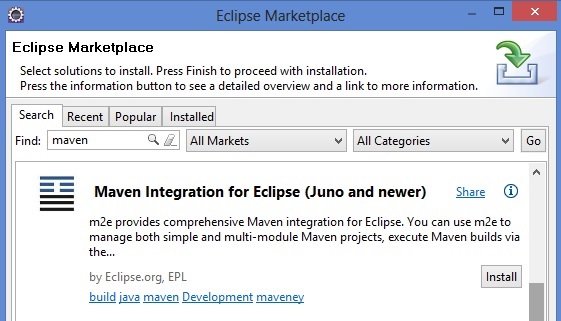
You should install Maven and the Android Conector for maven into your eclipse. Select Help -> Eclipse Marketplace, and search for maven...
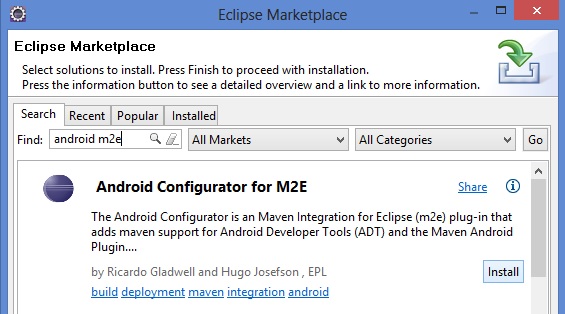
Now install the android conector for maven. Select Help -> Eclipse Marketplace, and search android m2e...
We almost done! Now you just need to create a simple android project and after that convert to a maven project: right click over the project and select Configure -> Convert to Maven Project.
Into the pom.xml copy and paste the next description.
<project xmlns="http://maven.apache.org/POM/4.0.0" xmlns:xsi="http://www.w3.org/2001/XMLSchema-instance" xsi:schemaLocation="http://maven.apache.org/POM/4.0.0 http://maven.apache.org/xsd/maven-4.0.0.xsd">
  <modelVersion>4.0.0</modelVersion>
  <groupId>de.akquinet.android.archetypes</groupId>
  <artifactId>android-quickstart</artifactId>
  <packaging>apk</packaging>
  <version>1.0.10</version>
  <build>
    <sourceDirectory>src</sourceDirectory>
    <plugins>
    	<plugin>
    		<groupId>org.apache.maven.plugins</groupId>
        	<artifactId>maven-compiler-plugin</artifactId>
        	<configuration>
        		<source>1.6</source>
           		<target>1.6</target>
        	</configuration>
     	</plugin>
     	<plugin>
     		<groupId>com.jayway.maven.plugins.android.generation2</groupId>
       		<artifactId>android-maven-plugin</artifactId>
        	<configuration>
        	    <sdk>
        	    	<path>${env.ANDROID_HOME}</path>
        	        <platform>1.6</platform>
        	    </sdk>
        	</configuration>
        	<extensions>true</extensions>
      	</plugin>
    </plugins>
  </build>
</project>
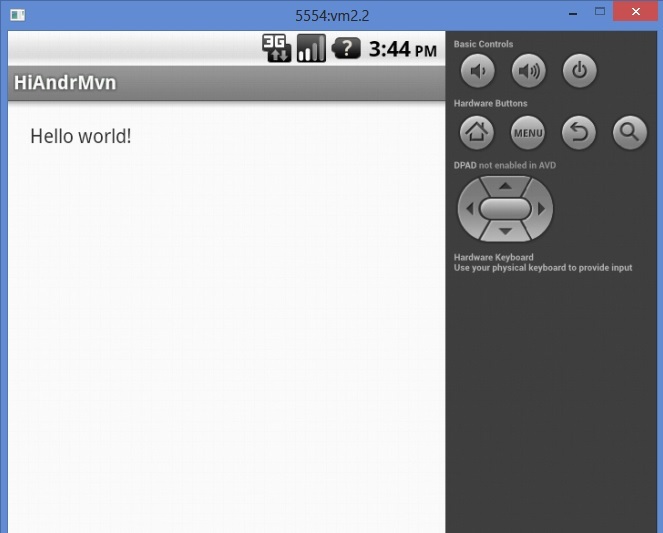
This is the basic information to configure your environment, now you can run and see your Hello World application.